Frame fast
Bold backgrounds, padding, borders, and shadows for poster-style screenshots.

Screenshot Editor for Social
Turn every screenshot into a poster-style visual. Frame, crop, focus, blur, and add callouts in seconds.
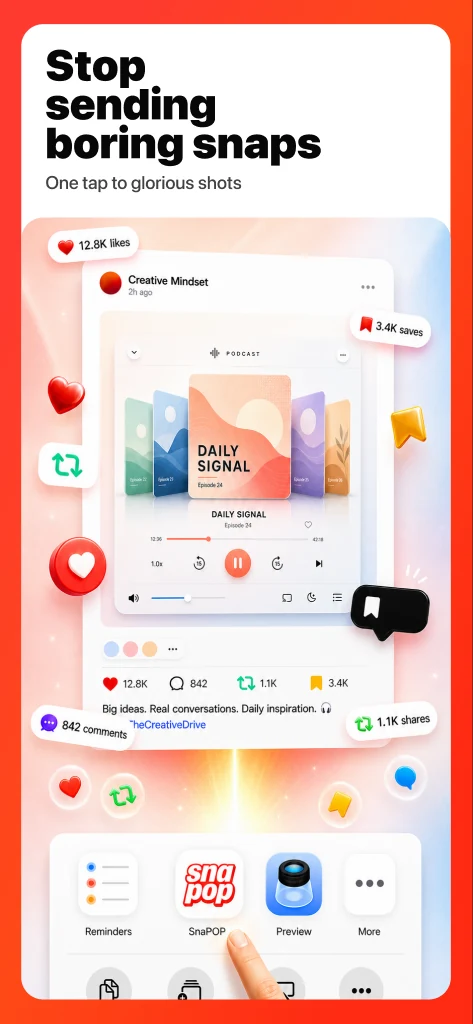
These are the actual preview designs: fast framing, sharp ratios, attention control, and focus or blur for cleaning up clutter.


Snapop turns plain screenshots into polished marketing visuals for creators, founders, marketers, support teams, and anyone shipping updates worth noticing.
Bold backgrounds, padding, borders, and shadows for poster-style screenshots.
Lock ratios and trim noise so every share fits the channel.
Use callouts, labels, arrows, and focus effects to show exactly what matters.
Hide sensitive details or de-emphasize everything around the important part.
Download SnaPOP on the App Store and turn your next screenshot into a statement.